Get Inspired
Get inspired by what others are creating with SplitBlend
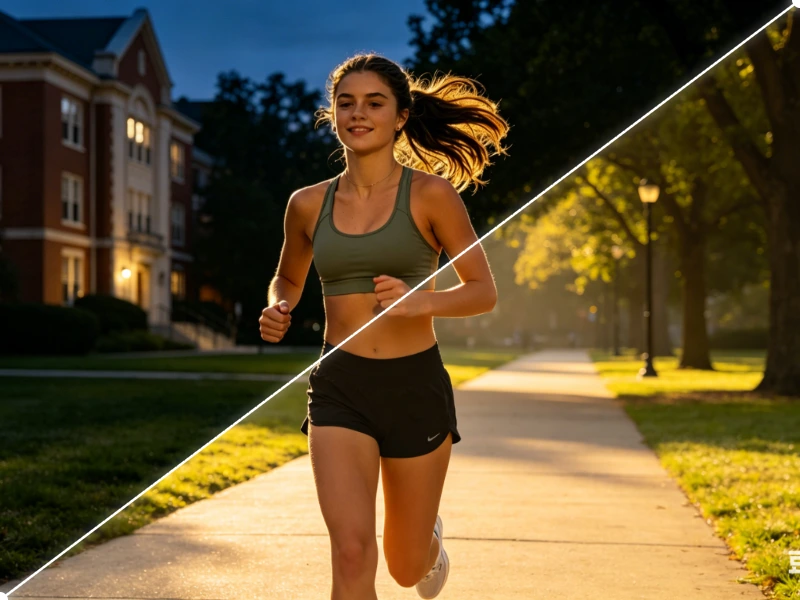
Get inspired by what others are creating with SplitBlend
SplitBlend is and will always be 100% free. No hidden fees, no premium tiers — just open and create.
Jump straight in. No account, no email, no password. Open the page and start blending immediately.
Everything runs in your browser. Your images are never uploaded to any server — your privacy is guaranteed.
Upload two photos, drag the split line, save. Three steps. No learning curve, no manual needed.
Open the site, compose, download. The whole process takes seconds — no waiting, no processing delays.
Fully responsive and touch-friendly. Create stunning split compositions right from your phone or tablet.
Split a photo into 3×3 or 3×6 tiles and post to your IG profile to form a seamless visual mosaic.
Compose vertical 9:16 split images perfect for Stories and Reel thumbnails.
Stack step-by-step photos into one clean shareable image for cooking or DIY guides.
Combine before, during, and after shots into a single layout for social sharing.
Side-by-side progress photos with a clean split line to show your journey.
Show the dramatic before/after difference of your space in one compelling image.
Combine multiple screenshots into one clean image for product demos or presentations.
Attach before/after screenshots in a single file for clear, concise bug reporting.
Upload any two photos from your device or drag & drop them onto the canvas.
Drag the split line to any position and angle. Choose from presets or go fully custom.
Hit save and your composition downloads instantly — no watermark, no account needed.
Yes, SplitBlend is 100% free with no hidden fees, no premium tiers, and no ads. It will always be free.
You can upload up to 16 images per session. There are no file size restrictions beyond your browser's memory.
Yes. You can stack multiple images vertically to create long-form collages perfect for tutorials, recipes, and step-by-step guides.
Never. SplitBlend runs entirely in your browser. Your images are processed locally on your device and never sent to any server.
Yes. SplitBlend is fully responsive and touch-friendly. It works on iOS and Android browsers without any app installation.
SplitBlend supports all common formats including JPG, PNG, WebP, GIF, and HEIC (on supported browsers).
Yes. You can drag the split line to any angle — vertical, horizontal, diagonal, or any custom angle you like.
The output matches the resolution of your input images. No compression or quality loss is applied during processing.